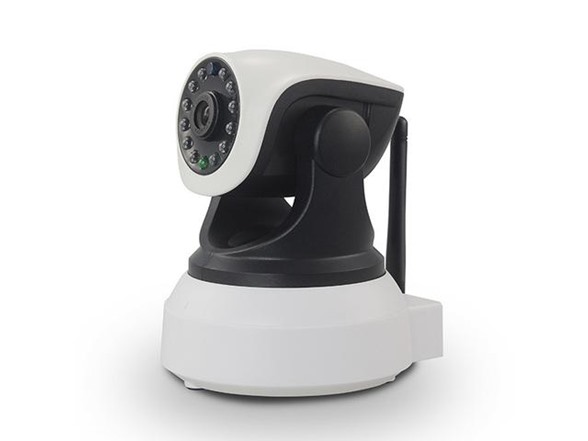
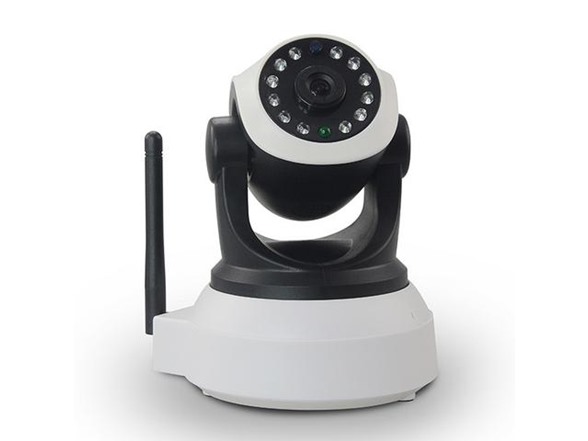
- 720P HD
- Plug & Play
- Monitor from your smartphone
- Two-Way Audio
- Night Vision (distance Approx. 33ft.)
- Wifi Supported
- 32GB Micro SD Max. (not included)
Instructions on how to connect to Wi-Fi:
- Download the app "VIPCAM." It is available both in the Apple App store and Google Play
- Plug the camera in
- When you plug it in, it will do some exercise. It will go up and down and spin all around. That is ok, that is supposed to happen
- When you hear the camera start making a noise like it is looking for Wi-Fi - it is looking for Wi-Fi. Go to the app and press "add camera"
- With the camera still making noise press the "Wi-Fi Smart Set" option. This will ask you for the Wi-Fi password of your local home network. The way it works is the app will push that info into the camera
- After putting in the password and pressing done, it will ask if you hear a sound from the device. If you do, press yes and it will connect. If you do not then you need to restart the camera
- Once it finished searching it will show the UID of the camera in a list of available cameras. Simply click that UID and put in the current password of "admin." Press save and your camera is connected
Shipping Note: Shipping to Alaska, Hawaii, PO Boxes, and APO addresses is not available for this item
Warranty: 30 Day iPM